File format
Send a PDF at actual size, with fonts outlined or embedded and images at 300 dpi or more at final size.
Bleed and safe area
Extend background colour and images 2 mm beyond the cut line. Keep text and logos at least 2 mm inside it, so nothing gets trimmed.
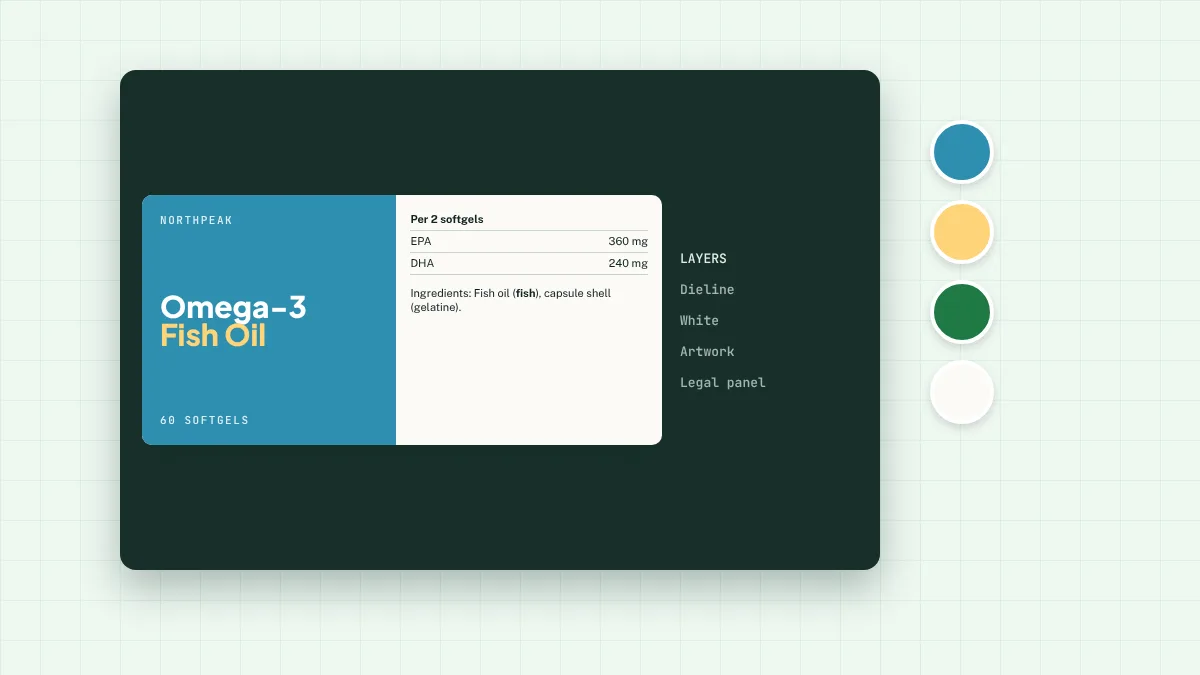
Dieline on its own layer
Put the cutter shape on a separate layer as a spot colour named “Dieline” or “CutContour”, set to overprint. Don’t print it.
CMYK and spot colours
Set artwork in CMYK. If you need a specific brand colour, give us the Pantone reference and we’ll match it as closely as the process allows.
White ink for clear and metallic labels
On clear or metallic film, anything that should look solid needs a white layer underneath. Set it as a spot colour named “White” on its own layer, or ask us to build it.
Small text and fine lines
Mandatory text needs a 1.2 mm x-height. Keep lines at 0.25 pt or thicker and avoid fine reversed-out text on dark backgrounds, which can fill in.
Barcodes
Print barcodes in 100% black on white, at 80–200% of the standard size, with clear quiet zones. See our barcode guide.
Not legal advice. This guide covers the general rules for food supplements sold in Great Britain. Check your own product with a regulatory adviser, your local Trading Standards team or your Primary Authority partner.